Last updated: September 7, 2026
Speed built on bad posture doesn't last
It's possible to grind out impressive WPM numbers with terrible wrist position and hunched shoulders for a while — but repetitive strain doesn't announce itself until it's already a problem. If you're training seriously, your setup matters as much as your technique.
Wrist position
Keep your wrists straight, not bent up, down, or to either side. A bent wrist under repetitive motion is the single biggest contributor to strain injuries. If your desk is too high, your wrists will naturally cock upward to reach the keyboard — that's a desk problem, not a typing problem, and worth fixing before you fix your technique.
Home row discipline
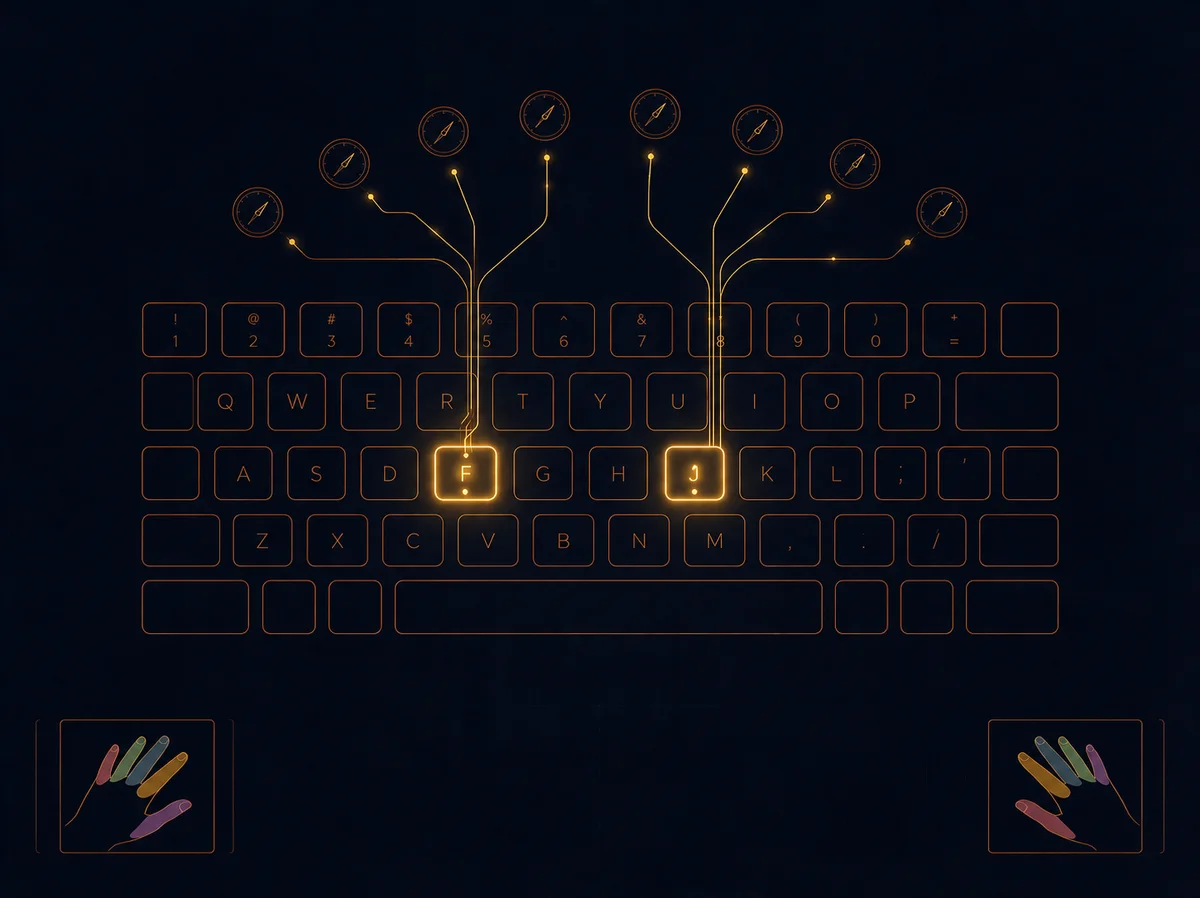
Your fingers should rest on the home row (ASDF / JKL;) between bursts of typing, not hover over wherever they last landed. Most keyboards have small raised bumps on the F and J keys specifically so you can find home row without looking. Use them — this is what lets you keep your eyes on the screen instead of the keyboard.
Shoulders and elbows
Elbows should sit close to your body at roughly a 90-degree angle, not flared out or stretched forward. Flared elbows force your wrists into worse angles to compensate, even if you don't notice it happening in the moment.
Take real breaks
Repetitive strain builds up from volume over time, not from any single session. If you're running back-to-back simulations for an extended session, stand up and shake your hands out every 15-20 minutes. It costs you almost nothing and meaningfully reduces long-term risk.
Keyboard choice matters less than you think
A lot of typing advice fixates on mechanical switches, split keyboards, or specific layouts. These can help at the margins, but good technique on a mediocre keyboard will always beat bad technique on an expensive one. Fix your fundamentals first — upgrade hardware later if you still want to.
Typing on a phone
Most serious practice happens on a physical keyboard, but if you're running a simulation from your phone, Ascendancy lets you choose between your phone's own keyboard or a built-in on-screen keyboard designed to match the simulator — pick whichever one you type more comfortably on from the options shown before a simulation starts.
Bring it into your training
Good ergonomics isn't separate from performance — it's what lets you sustain consistency over a full simulation instead of degrading in the back half from discomfort. Set up your space once, and every session after benefits from it.
New to the fundamentals first? Start with our touch typing basics guide.
Worked example: putting the break interval into practice
Say you're running a focused practice block of four consecutive 120-second simulations back to back — 8 minutes of continuous typing. Following the 15-20 minute guideline above, you wouldn't necessarily need a break inside that single block, but if you queue up a fifth or sixth run right after, you're approaching the point where a short break — even 30 seconds of stretching your hands out — meaningfully reduces strain risk for the rest of the session. The guideline isn't really about any one simulation; it's about total continuous volume, which is part of why the roadmap's short, frequent sessions naturally build in more recovery time than one long marathon block does.
Frequently Asked Questions
Do I need a special ergonomic keyboard to type fast and safely?
No — see "Keyboard choice matters less than you think" above. Good technique on an ordinary keyboard beats bad technique on an expensive one. Fix wrist position and home row discipline first; hardware is a marginal improvement on top of that, not a substitute for it.
My desk height isn't adjustable — what should I fix instead?
If your desk is fixed and too high, adjust your chair height instead so your elbows land at roughly 90 degrees relative to the desk, then bring the keyboard to a height your wrists can stay straight at. The wrist angle matters more than any single piece of furniture being "correct."
Does ergonomics actually affect my WPM, or is it just an injury-prevention thing?
Both. Poor posture doesn't just risk strain over time — see "Speed built on bad posture doesn't last" above — it also tends to degrade your pace in the back half of longer runs as discomfort builds, which shows up directly in your results. Good setup is part of what holding your pace over a full run actually depends on.
I'm just starting out — should I focus on ergonomics or speed first?
Ergonomics first, by a wide margin. Bad habits formed while chasing early speed gains are harder to unlearn later than they are to avoid from the start — the beginner's roadmap puts setup as literally step one for exactly this reason.
Is typing on a phone bad for ergonomics compared to a physical keyboard?
It's a different set of tradeoffs rather than strictly worse, and most serious practice still happens on a physical keyboard. If you are running a simulation from your phone, Ascendancy's built-in on-screen keyboard is designed to match the simulator specifically, so use whichever input method — your phone's own keyboard or the built-in one — you find more comfortable to sustain.